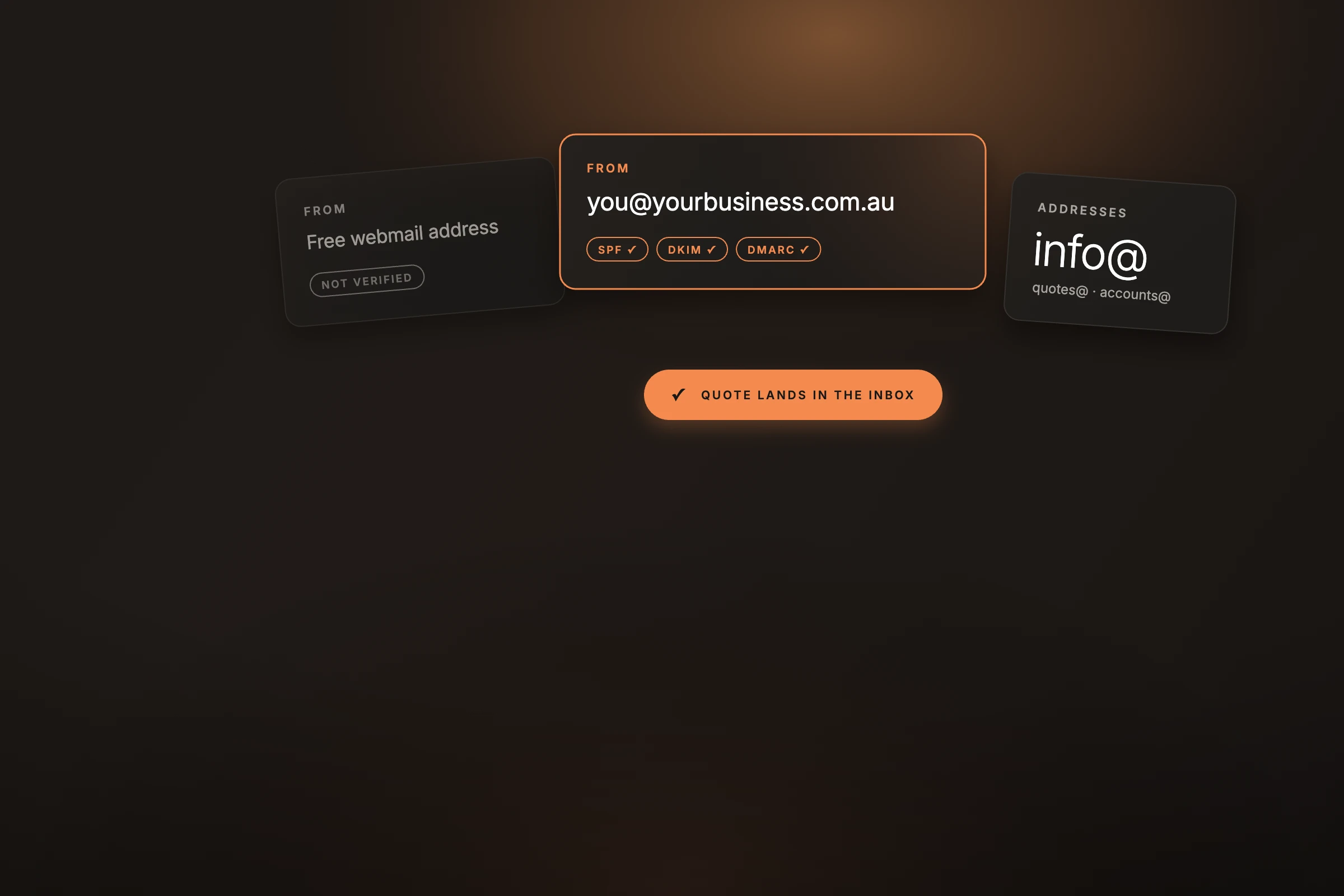
A homeowner gets two quotes for a solar system. One comes from an address on the installer's own domain. The other comes from a Hotmail address with a number on the end. The prices are close, but only one looks like a business that will still be around if there's a warranty claim in ten years.
A professional email address uses a domain you own, like you@yourbusiness.com.au. It's a small monthly cost and a one-off setup job.
Customers judge a business on small details before they meet you. Your email address sits on every quote, invoice, and booking confirmation you send. An address on your own domain matches your website, your van signage, and your Google Business Profile. It shows the business is set up properly.
It matters more as the jobs get bigger. Builders, strata managers, and commercial clients are more comfortable adding a supplier with a business address to their books.
Email providers like Gmail and Outlook check whether a message really came from the sender it claims to be from. With your own domain, you can add three records that prove it:
With these in place, your quotes and invoices are less likely to land in a customer's spam folder, where a quote can sit unseen while the customer books someone else. They also make it harder for scammers to send fake invoices that look like they came from you. A free Gmail or Hotmail address doesn't give you this control, because you don't own the domain.
Mixing personal and work email gets messy. Job photos end up between family messages and shopping receipts. A supplier invoice gets missed. At tax time, finding every receipt takes longer than it should.
A separate business inbox keeps every job email in one place. If you sell the business or step back from it, the email address goes with the business and your personal inbox stays yours.
With your own domain, you can create addresses for roles as well as people:
Role addresses can deliver to one person or several. In Google Workspace you can set them up as aliases or groups, so you usually don't need to pay for an extra user. When someone leaves or changes jobs, you change who receives quotes@ and customers keep using the same address.
Your business email can also be the login for Google Ads, Google Business Profile, Google Analytics, and your other business accounts. That keeps ownership with the business. If the staff member who set up an account leaves, you still have access.
You need a domain name you own, like yourbusiness.com.au. If you have a website, you probably have one already. Check with whoever built your site, or look for renewal emails from a domain registrar. To register a new .com.au domain, you'll need an Australian presence, such as an ABN or ACN, and a name connected to your business.
The rough steps with Google Workspace:
Changes at the registrar can take a few hours to take effect, sometimes longer. Keep your old address running for a while and set up an auto-reply that points people to the new one.
If someone else manages your website or domain, ask them to add the records for you. It's a small job for them.
If you'd like to use Google Workspace, you can sign up through our Google Workspace referral link. If you're new to Google Workspace, email support@thefalcon.com.au and we'll send you a code for a discount on your first year. Enter it during your free trial, before you add billing details. Each code is single use, so we send them one at a time.
The Falcon takes part in the Google Workspace Referral Programme. If you sign up through our link and stay on a paid plan, Google may pay us a one-off reward. It doesn't add to what you pay.